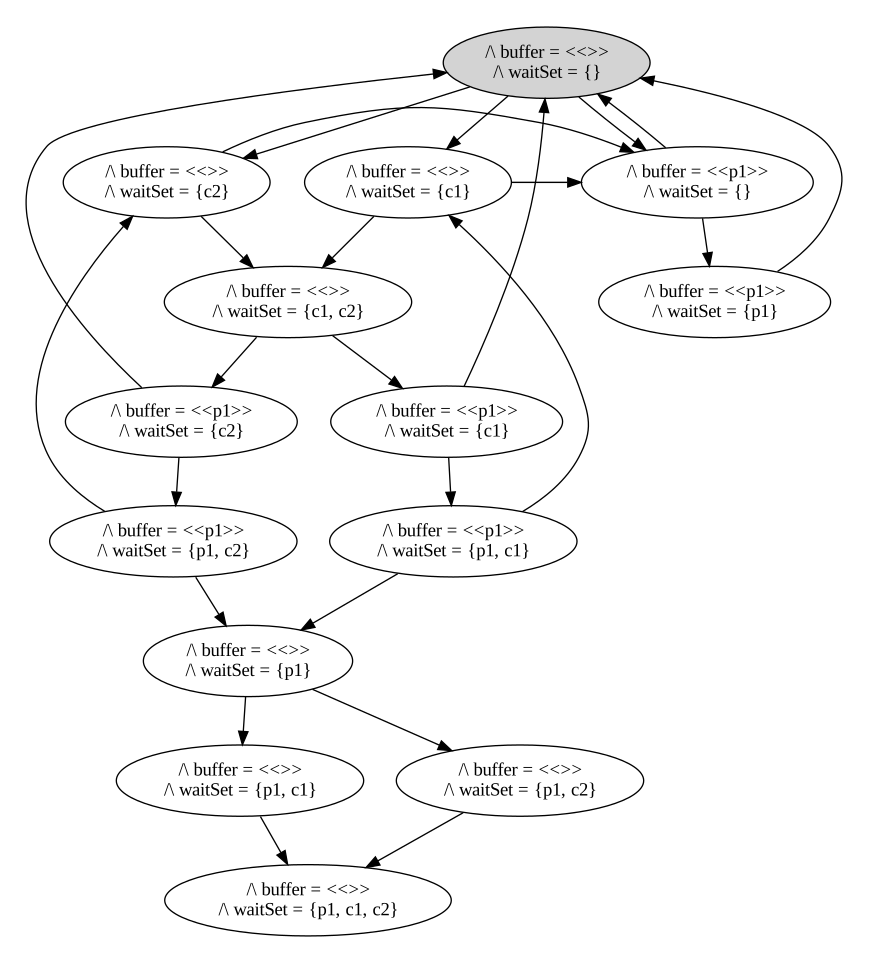
We now use a slightly different configuration (1 producer, 2 consumers, buffer capacity 1) which lets us visually spot the deadlock.
What Changed
Only the configuration changed - the spec is the same. This demonstrates the power of model checking: by exploring different parameter values, we can find bugs that do not appear in simpler configurations.
Try It
Run TLC and notice how the state space grows compared to the previous lesson (upstream v02).
State Graph
Slightly larger configuration with which we can visually spot the deadlock:
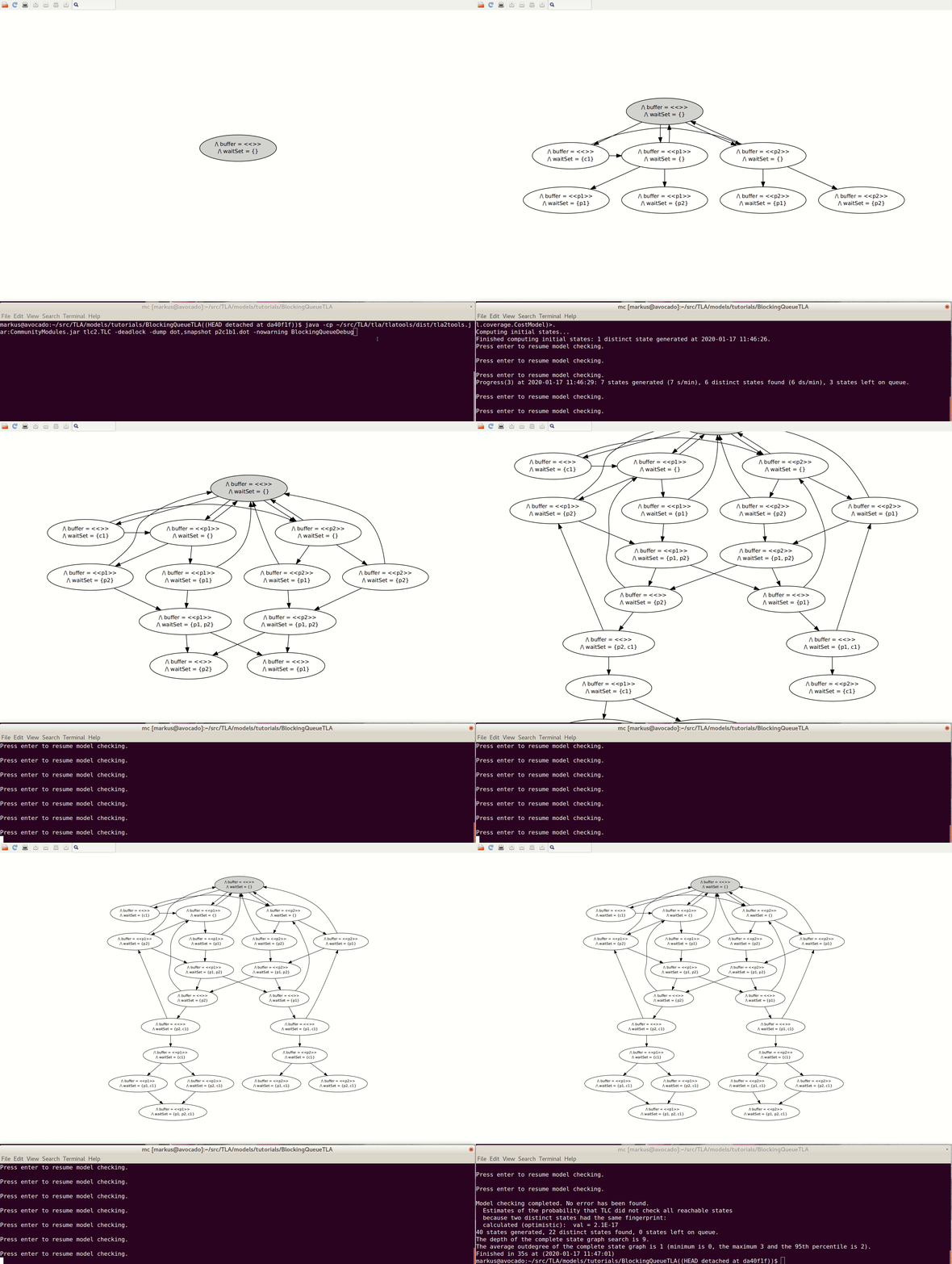
Upstream also supplies BlockingQueueDebug.tla/.cfg for a different configuration, p2c1b1. The following recording uses desktop TLC with GraphViz; that interactive graph explorer is not part of the browser playground:
Expected Result
TLC reports Deadlock reached for the supplied p1c2b1 model. Its built-in deadlock check is enabled by default, even though this version has no explicit invariant. Try swapping the numbers of producers and consumers; the next lesson explores that configuration.